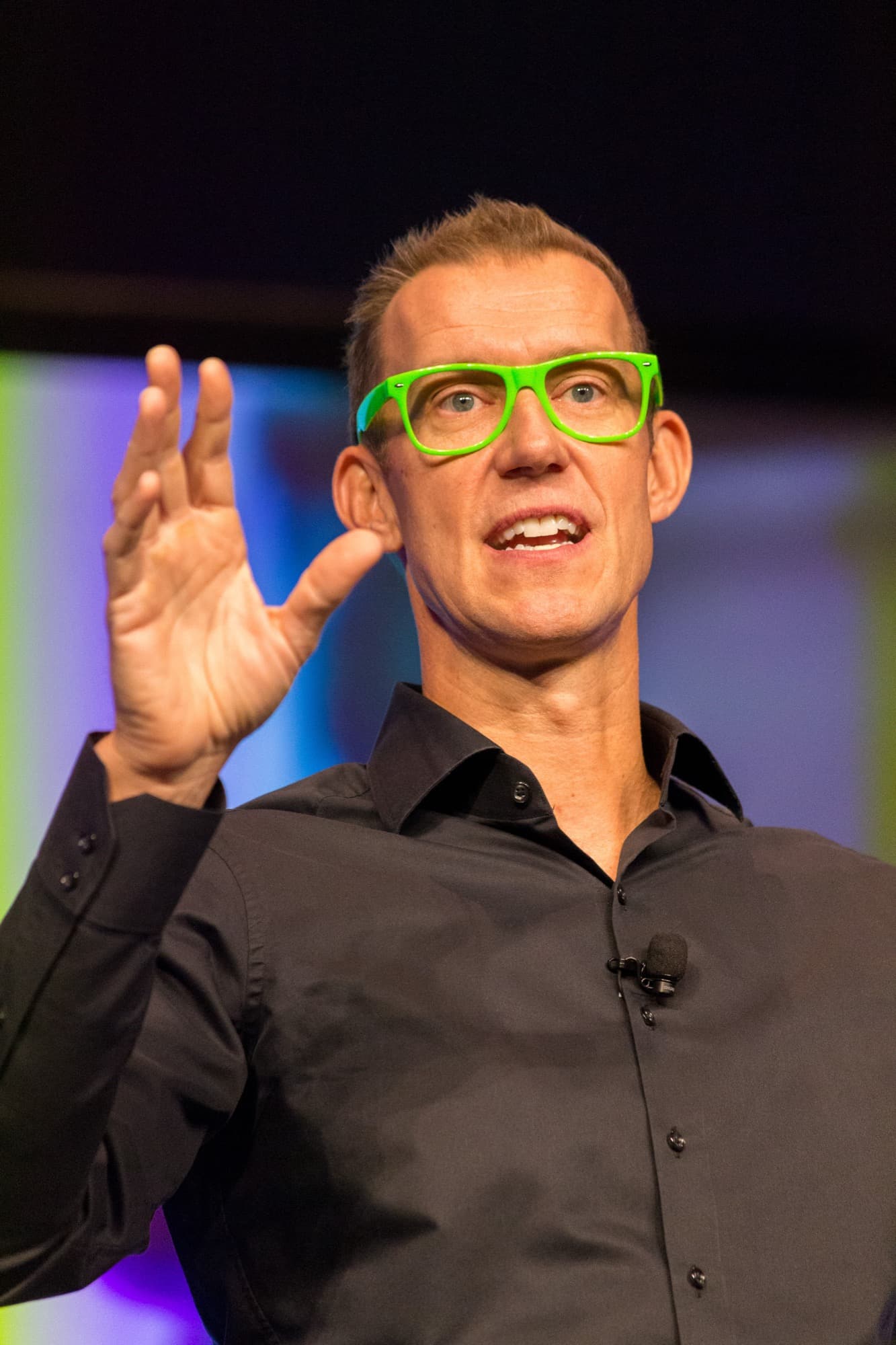
A brilliant speaker with a dead microphone is a bad keynote. The technical setup is invisible when it works and catastrophic when it doesn't, and the failures are almost always preventable: a mic that wasn't tested, a laptop with no HDMI port and no adapter, a soundcheck that got squeezed to nothing. This checklist covers what to confirm (with the speaker, the venue, and the AV team) before the doors open.
Work through it during the pre-event call and again on-site the morning of. Most items take seconds to verify and save you the one thing you can't recover: the first ninety seconds of a keynote spent fixing sound instead of winning the room.
Audio
Sound is the first thing to fail and the most important thing to get right. Confirm:
- The right mic for the speaker's style: a lapel or headset mic for a speaker who moves, a handheld or podium mic if they stay put. Ask which they prefer.
- Wireless, with fresh batteries and a spare mic and battery on standby.
- A dedicated soundcheck window of 20–30 minutes, protected on the run sheet. A cut soundcheck is a leading cause of a rocky open.
- A separate handheld mic for audience Q&A, or roaming mics/runners for a large room.
- Even sound coverage across the whole room, checked from the back and sides, not just the front.
- A sound engineer at the board during the keynote, not just at setup, to manage levels and feedback.
Visuals and screens
If the speaker uses slides or video, the display has to be right, and readable from the back row.
- A screen or LED wall sized to the room, so slides are legible from the furthest seat.
- The correct aspect ratio and resolution for the speaker's deck (confirm 16:9 vs. anything unusual in advance).
- A confidence monitor facing the stage so the speaker can see their slides without turning their back to the audience.
- Adapters for every likely laptop: most machines lack a direct HDMI port, so have USB-C and other adapters on hand.
- A tested backup of the presentation on a venue machine or USB, in case the speaker's laptop fails.
- Clear ownership of who advances the slides: the speaker with a clicker, or a tech on cue.
Stage and riser
The physical stage shapes sightlines and energy. A few numbers are worth knowing:
| Element | Guideline | Why it matters |
|---|---|---|
| Riser height (up to ~200 people) | 6–12 inches | Enough elevation for sightlines without towering over a small room |
| Riser height (larger audiences) | 12–24 inches | Keeps the speaker visible over rows in a big room |
| Lighting | Stage lit, speaker's face clear | The audience connects with a face they can see; avoid backlight and shadow |
| Lectern | Optional: confirm preference | Some speakers want it; many keynoters prefer an open stage to move |
| Entry and exit | Clear, rehearsed path | A confident walk-on and walk-off protects the open and close |
Guidelines are common event-production norms; confirm specifics with your venue and AV team for your room and audience size.
Presentation tech and the run-of-show
The small things that trip up an otherwise smooth keynote:
- A tested clicker/remote with spare batteries, and a range check across the stage.
- The final slide deck loaded and opened before the session, not being emailed during the previous talk.
- Audio from any embedded video routed and level-checked (a common miss).
- A timer or confidence-monitor clock so the speaker can pace to their slot.
- A clear cue for the introducer, and a signal system (e.g., time cards) if you need to keep to schedule.
- The AV lead's name shared with the speaker, so they know who to find if something's off.
Frequently asked questions
- What AV does a keynote speaker need?
- At minimum: a wireless lapel or headset microphone (with a spare), a screen or LED wall sized to the room, a confidence monitor so the speaker can see their slides, the right laptop adapters, a tested clicker, and a protected 20–30 minute soundcheck. Virtual or hybrid talks also need a wired internet connection and a proper external mic and camera.
- How high should a keynote stage or riser be?
- For audiences up to around 200 people, a riser of 6 to 12 inches gives enough elevation for sightlines. For larger audiences, 12 to 24 inches keeps the speaker visible over the rows. Confirm the specifics with your venue and AV team based on room shape and seating.
- What is a confidence monitor and do I need one?
- A confidence monitor is a screen facing the stage that shows the speaker their current slide (and sometimes notes or a timer), so they can present without turning around to look at the main screen. It's strongly recommended for any keynote with slides. It keeps the speaker facing and engaging the audience.
- What extra AV does a virtual or hybrid keynote need?
- A dedicated wired ethernet connection instead of venue Wi-Fi (the top cause of virtual failures), a high-quality external microphone and camera rather than a laptop webcam, proper lighting, a controlled background, and a full rehearsal on the actual platform. For hybrid, assign someone to own the remote audience and stream.
Sources
8 public references cross-checked by our editorial desk. Where this guide cites ranges, they reflect the consensus across published market data, never a quote for any individual.
- 1.The Essential Standard Keynote Speaker A/V Rider Checklist for 2026, SPEAKING.com
- 2.Audio/Visual Requirements: Keynote, Steve Spangler
- 3.The Ultimate A/V Event Planning Checklist, Social Tables
- 4.AV Checklist for Events: Essential Items & Pro Tips, Elite Multimedia
- 5.A Guide To Audio-Visual Equipment For Events And Must-Have Checklist, Event Espresso
- 6.AV Production Checklist for Flawless Presentations, AVT Productions
- 7.Keynote Speaker Green Room Requirements: The Definitive 2026 Event Planner Checklist, SPEAKING.com
- 8.The Definitive Pre-Event Call Checklist with Your Keynote Speaker for 2026, SPEAKING.com
This article is general information, not professional advice. Details and pricing change; confirm specifics before you rely on them. See our full disclaimer.